Search photos by the text inside
Type a code, a store or a street name, and get the screenshot that has it.
Shotbox is a private home for your screenshots, photos and links. It reads what's in them right on your phone, suggests the right box and learns from your choices, so you can find anything in seconds and keep your camera roll clean.

Free on Android. On iPhone? Join the iPhone waitlist.
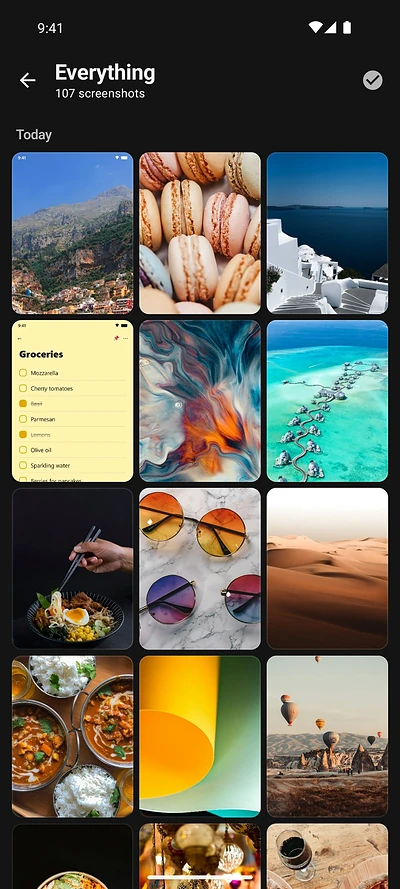
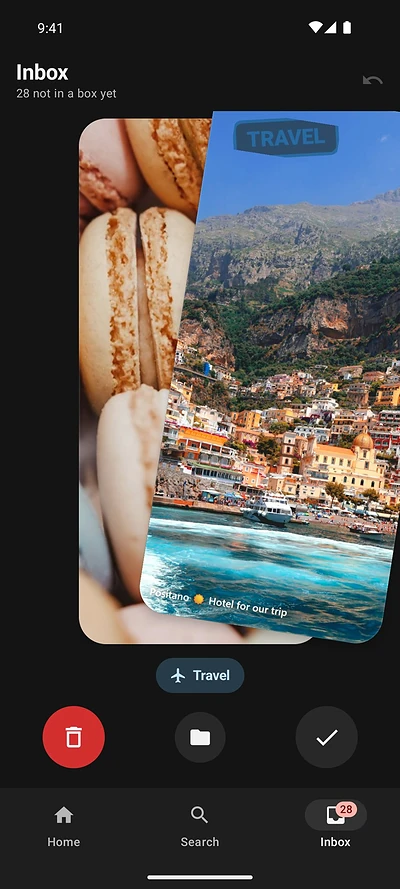
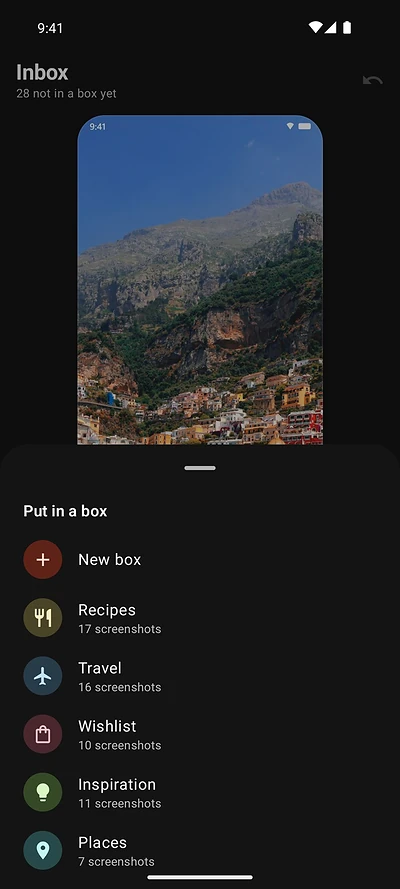
New screenshots and saved links land in one pile. Shotbox suggests a box for each one and gets smarter every time you file something. Swipe, or tap one of the three buttons under the card.
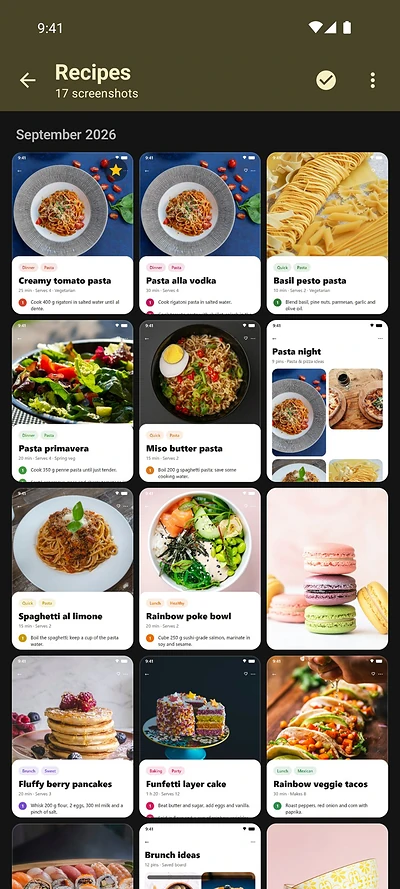
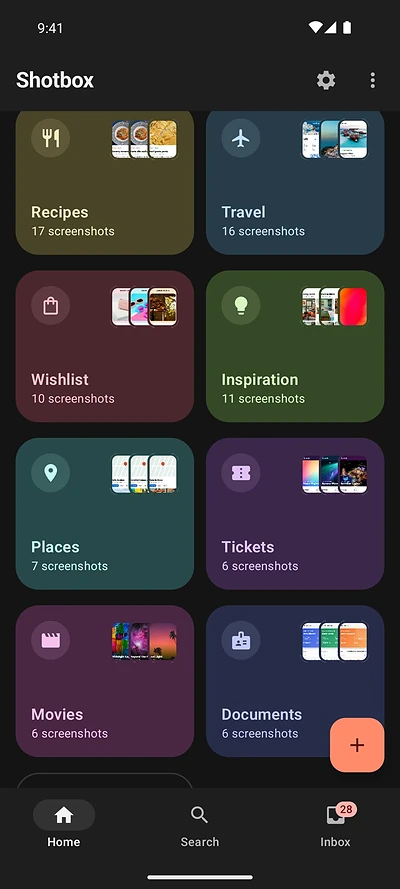
Shotbox starts you with ready-made boxes: Documents for your passport, ID and insurance, plus Receipts, Recipes, Travel, Tickets and more. Add your own with a name, a color and an icon. Everything lives in one box, so nothing gets lost in two places.
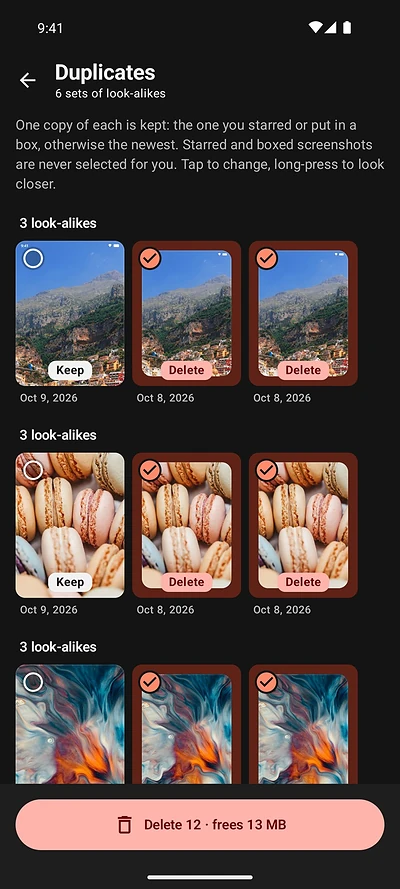
Shotbox finds screenshots that look the same and keeps one of each: the one you starred or put in a box, otherwise the newest.
Found a recipe, a product or an article in another app? Pick Shotbox in the Share menu, choose a box, and you're back where you were. Links get a preview and are searchable by their title. Images are saved as normal files in your Pictures folder.
Type a code, a store or a street name, and get the screenshot that has it.
Type “dog”, “receipt” or “white car” and find it, even when there's no text.
Shotbox learns where you file things and which app a screenshot came from, then suggests the right box. In English and French.
Starred screenshots are never picked for cleanup.
Changed your mind? Restore one, restore everything, or empty the trash for good.
Screenshots stay normal files in your gallery, even if you uninstall.
Each box becomes a plain folder in your own Drive. No Shotbox server in between.
Browse and search everything you saved from any computer.
Photos and screenshots hold bank details, chats and passwords. Shotbox reads them on the phone itself and never sends your pictures or their text to us. Backup is optional and goes to your own Google Drive. The app only shares anonymous usage stats, like which features get used.
Delete duplicates and old screenshots first, then sort what matters into a few boxes, five to ten rather than fifty. Make everything searchable so you never have to sort perfectly. Read the full guide.
Use a tool that groups pictures that look the same and keeps the best copy of each. Shotbox keeps the one you starred or put in a box, otherwise the newest, and sends the rest to the trash for 30 days. See the step-by-step guide.
Photos, screenshots and videos usually take the most space. Delete duplicates and old screenshots, remove large videos you've backed up, then empty the trash. Read how to free up space.
Use a few albums for what you come back to, favorite the important photos and rely on search for the rest. Clean out screenshots and duplicates regularly, because they bury the photos you care about. See the Google Photos guide.
Yes. Share a link to Shotbox from any app, or paste it in. You get a preview with the title and picture, and you can search it and file it in a box like your screenshots.
On Android, usually in Pictures/Screenshots, and on some phones in DCIM/Screenshots. Shotbox shows all of them in one place and leaves the files where they are, so they stay in your camera roll.
No. Reading, searching and sorting all happen on your phone, and there's no account. If you turn on backup, your pictures go to your own Google Drive, never to a Shotbox server. The app only sends anonymous usage stats, never your pictures or their text.
They stay in your gallery. Shotbox never moves them into a hidden vault. Your boxes are stored in the app, so back them up to Google Drive if you want to keep them.
Shotbox is on Google Play for Android phones running Android 13 or newer. An iPhone version is next: join the waitlist below to hear when it's out.
Shotbox is free. An optional one-time Pro upgrade will add Google Drive backup and the web app. No subscription.
Get Shotbox free on Google Play. On iPhone? Leave your email and we'll tell you when it's ready.